
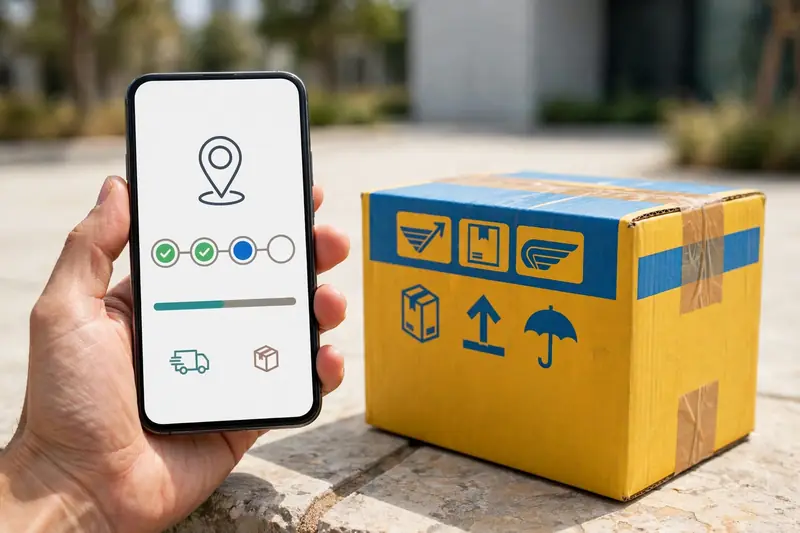
Speed Post is India Post’s fast domestic and international parcel and letter service. It is used for urgent documents, parcels and business mail across India and to many countries around the world. When you send a parcel by Speed Post, you receive a tracking number, also called a consignment number, that lets you follow it online from the post office to the recipient’s door.
Tracking gives you peace of mind. You can see when the parcel was booked, when it left each sorting office, when it arrived in the destination city, and when it was delivered. This guide explains how to track a Speed Post parcel online, what each delivery status means, and what to do if tracking stops updating.
What Is Speed Post?
Speed Post was started by India Post for fast, reliable and time-bound delivery. Within India, it delivers to most major cities and towns quickly, often within one to three working days depending on the distance. For international delivery, Speed Post works with the postal services of other countries, and in many cases it is linked to EMS, the international Express Mail Service.
Where to Find Your Tracking Number
Your tracking number is printed on the receipt you receive when you book the parcel at the post office. The receipt is usually a small slip with the sender and recipient addresses, the weight, the amount paid, and the tracking number. Keep it safe until the parcel is delivered, because you will need the number to track it and to make a complaint if anything goes wrong.
A Speed Post tracking number for domestic parcels in India usually starts with two letters, followed by nine digits, followed by “IN” at the end. Copy the number exactly as it appears on your receipt, including all letters and digits.
How to Track a Speed Post Parcel Online
Tracking takes less than a minute. First, go to the official India Post website, where there is a “Track Consignment” option on the home page. Use only the official website, and be careful of other websites that look similar but are not run by India Post.
Next, enter your tracking number in the tracking box, carefully and without spaces, exactly as it appears on your receipt. Then click the track or search button. The website will show the current status, with past events such as when it was booked, when it left the booking office, when it arrived at each sorting office, and when it was delivered. The most recent event is usually shown at the top.
Speed Post Tracking Status Meanings
“Consignment Booked” means the parcel has been accepted at the post office. This is the first status you will see, usually within a few hours of posting. “Dispatched” or “Bag Despatched” means the parcel has left the booking office for the next sorting office. “Received at” followed by a city name means it has arrived at a sorting or delivery office in that city.
“Out for Delivery” means the parcel has left the delivery office with the postman and should be delivered that day. “Delivered” means it has been handed over to the recipient, and the delivery is complete. The page may also show the date and time of delivery.
Other statuses include “Item Retained” or “Held at Office”, meaning the parcel is waiting at the post office for collection, and “Returned” or “Redirected”, meaning it could not be delivered and is being sent back or to a new address. If you see a status you do not understand, check the help section on the official tracking website, or ask at your local post office.
How to Track International Speed Post and EMS
When a Speed Post parcel is sent to another country, it is often handled as EMS, the international Express Mail Service. The tracking number is the same, and you can track it on the India Post website while it is in India. Once it leaves India, you can also track it on the website of the destination country’s postal service, or on the EMS tracking website.
For example, a parcel sent to the United States can be tracked on the USPS website, a parcel to the United Kingdom on the Royal Mail website, and a parcel to Australia on the Australia Post website. Enter the same tracking number, including the “IN” at the end.
What to Do If Tracking Stops Updating
It is common for tracking to stop updating for a day or two, especially on long routes or over weekends and public holidays. If your parcel was booked recently, wait at least two to three working days. Tracking is often updated in batches, so a parcel can move a long way before the next update appears.
If tracking has not updated for more than five working days for a domestic parcel, or more than ten working days for an international parcel, first check that you entered the number correctly. A single wrong letter or digit will show no results or the wrong parcel. Check the receipt again and try once more.
Frequently Asked Questions
How can I track my Speed Post parcel?
Go to the official India Post website and use “Track Consignment”. Enter your tracking number exactly as it appears on your receipt, and click track. You can also use the India Post mobile app, or track an international parcel on the destination country’s postal website.
What does “Out for Delivery” mean?
It means the parcel has left the local delivery office with the postman and should be delivered that day. If it is not delivered by the end of the day, check the tracking page again the next working day.
Why is my Speed Post tracking not updating?
Tracking often updates in batches, so it can stay unchanged for a day or two while the parcel is in transit. For domestic parcels, wait two to three working days. If there is no update for more than five working days domestically, contact the booking post office with your receipt.
How long does Speed Post take to deliver?
Domestic Speed Post usually takes one to three working days between major cities, and up to five working days to smaller towns. International Speed Post usually takes three to fourteen working days, depending on the destination and customs clearance.